Put your first idea on a shirt
Start with an upload or a simple line of text.
Start a private Orbit tee draft and place the free practice PNG on Front, inside the dashed print area.
In this lesson 3 steps + optional extras
Orbit Studio practice files Free downloads
Use these original files or your own artwork. Keep the practice store private.
No purchase or AI generation required. Add wording as editable text.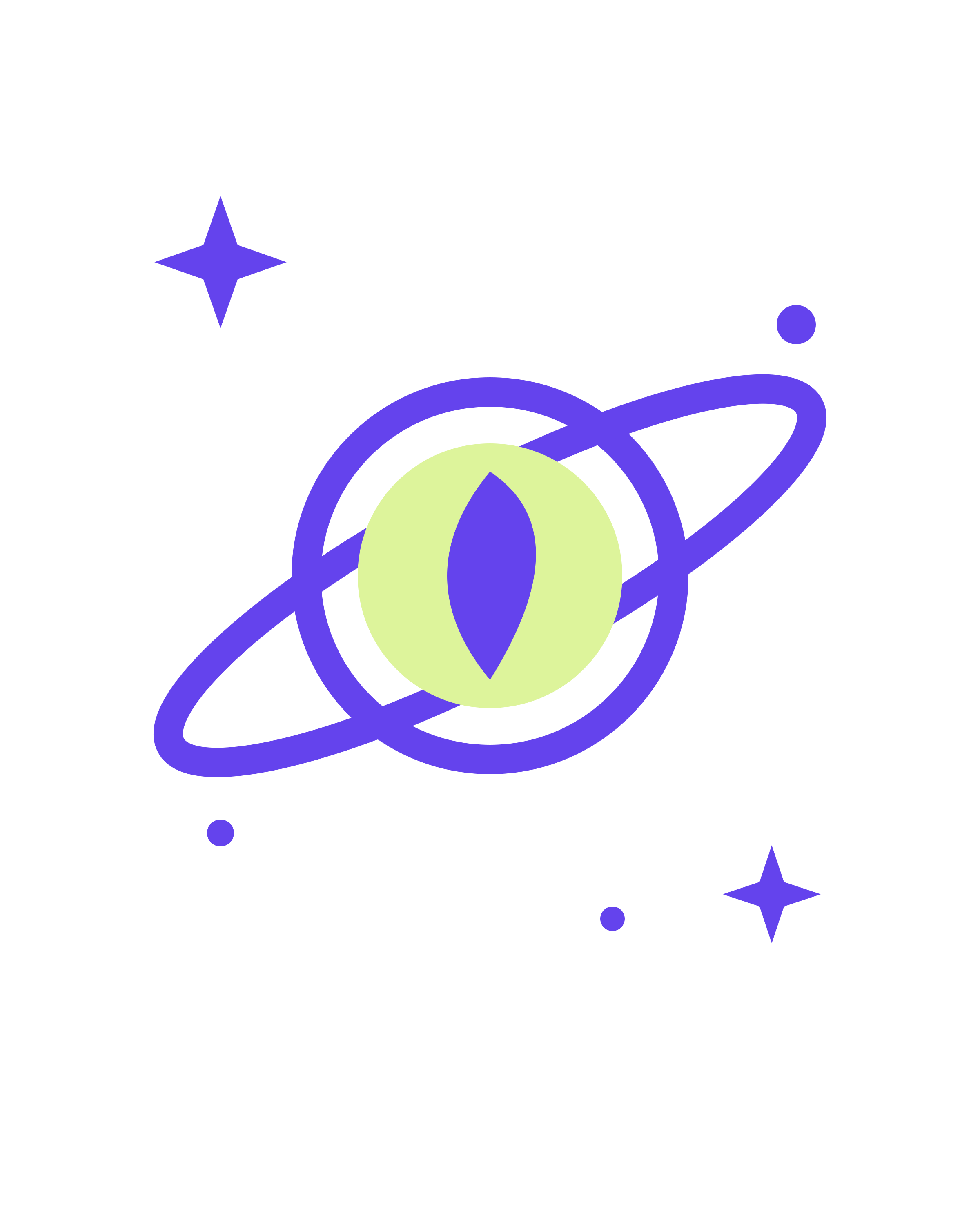
Open My products and start a new design. Name it Orbit tee. Download the free Orbit practice artwork below if you need an image to try.
What you should seeYour private Orbit tee draft has a recognisable name.
Choose Upload artwork for your PNG or JPEG. Use the original, largest useful file rather than a screenshot of it.
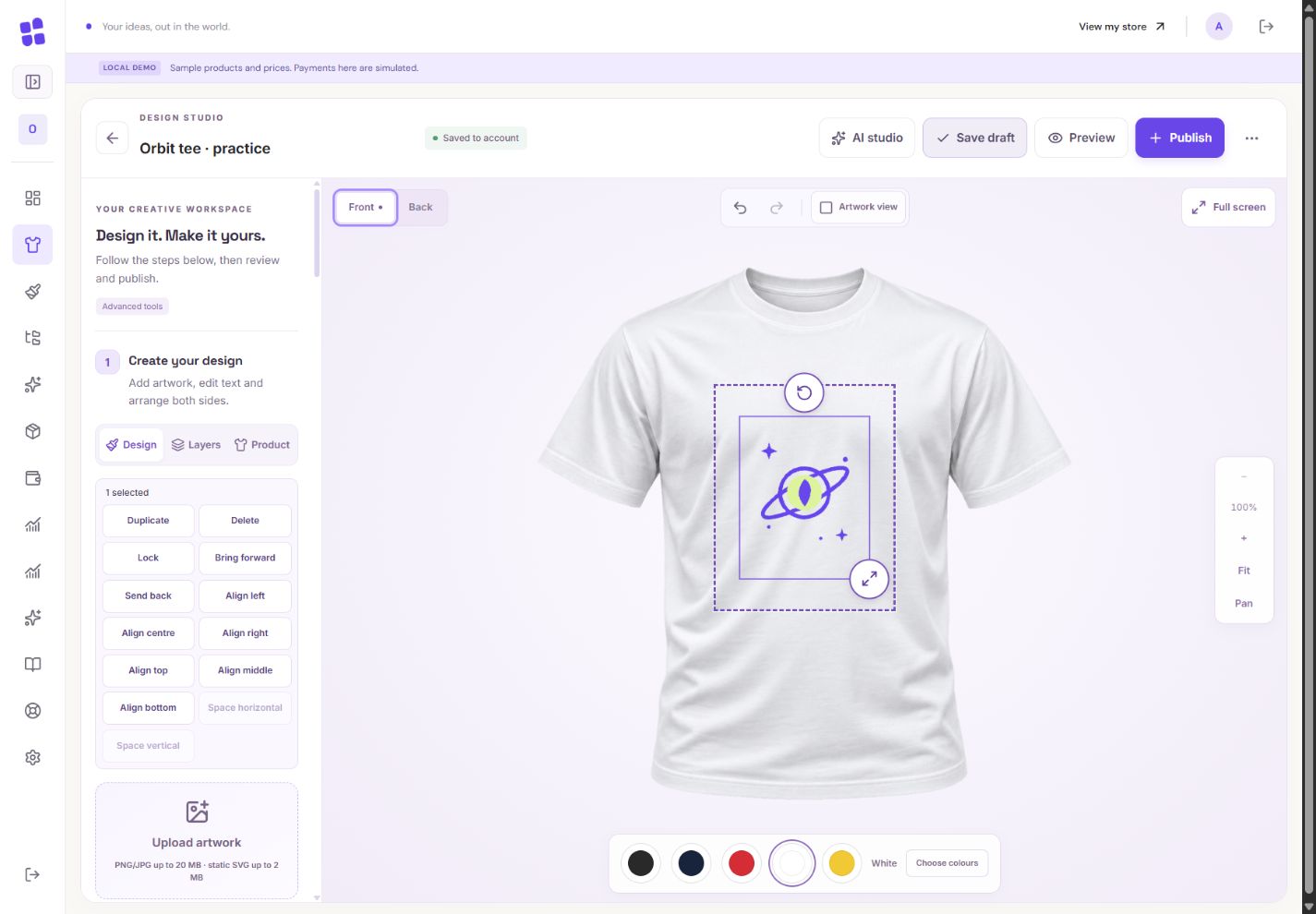
- 1Front and Back are separate designs. This practice begins on Front.
- 2The original Orbit practice artwork is inside the approved print area. No AI generation was used.
What you should seeYour chosen artwork appears as an editable layer.
Keep the artwork inside the dashed printable area. The shirt is a placement preview; the printable file contains the design, not the shirt photograph.
What you should seeThe artwork fits inside the approved print boundary.
Go further 3 optional topics
You have the core task. Explore these extra tools whenever you need them.
Choose Front or Back before adding anything. Each side has its own design; switching sides does not copy the artwork.
What you should seeThe selected side is clearly Front or Back.
Drag the selected artwork to position it and use its handles to resize proportionally. Undo is your friendly safety net.
What you should seeThe outline follows the selected artwork; Undo can reverse the move.
For a blank back, simply leave Back empty. You do not have to fill every space.
What you should seeThe back stays blank unless you add artwork to it.
Words made simple
- net
- The amount left after the stated fee has been taken off.
Give it a try.
Add one image or one word to a private draft. Leave it unpublished.
Start an Orbit tee draft Opens separately. Paid and destructive actions are never required to complete a lesson.Your logo is outside the dashed print area. What do you change?
Optional. No grades, no locked lessons.Ready to mark this one complete?
You choose when you have learned enough. No quiz score or business action is required.
Loading progress…
Sign in to save progress across devices