Create an account and open the right email
Get past the front door with a verified account.
Your task
Reviewed 2026-11-03 · free to learnLocate the verification instructions. Already verified? You are done.
In this lesson 3 steps + optional extras
1
Read the verification screen: it names the sender and explains what to do next. Check Inbox and Junk or Spam.
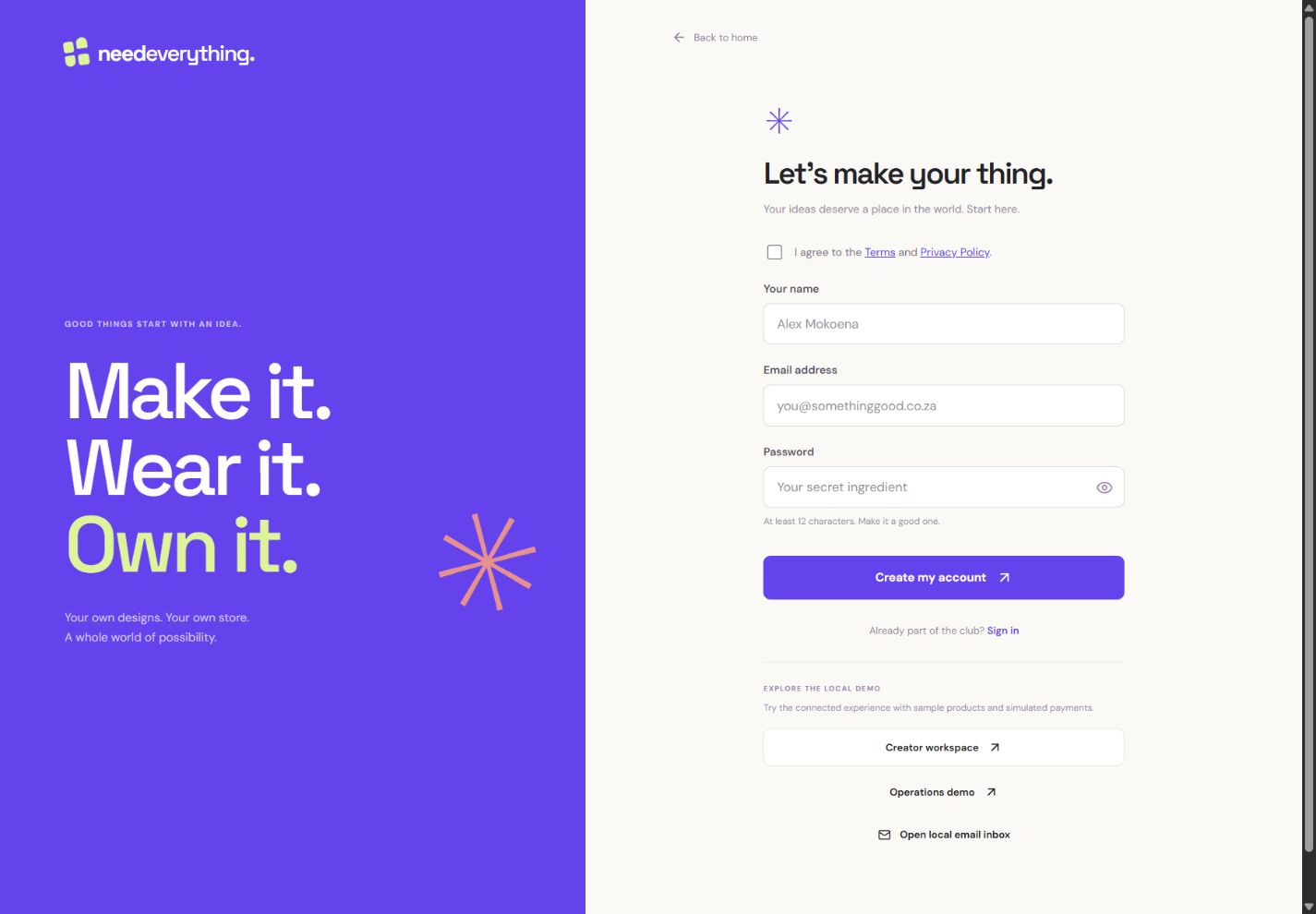
- 1Enter the name you want to use in your creator workspace.
- 2Use an inbox you can open; verification is the next step.
- 3Read the terms and choose a strong password before creating your account.
What you should seeYou know which inbox and sender to check.
2
Open the newest verification email and choose Verify my email. If the website asks you to confirm, choose Verify my email there too.
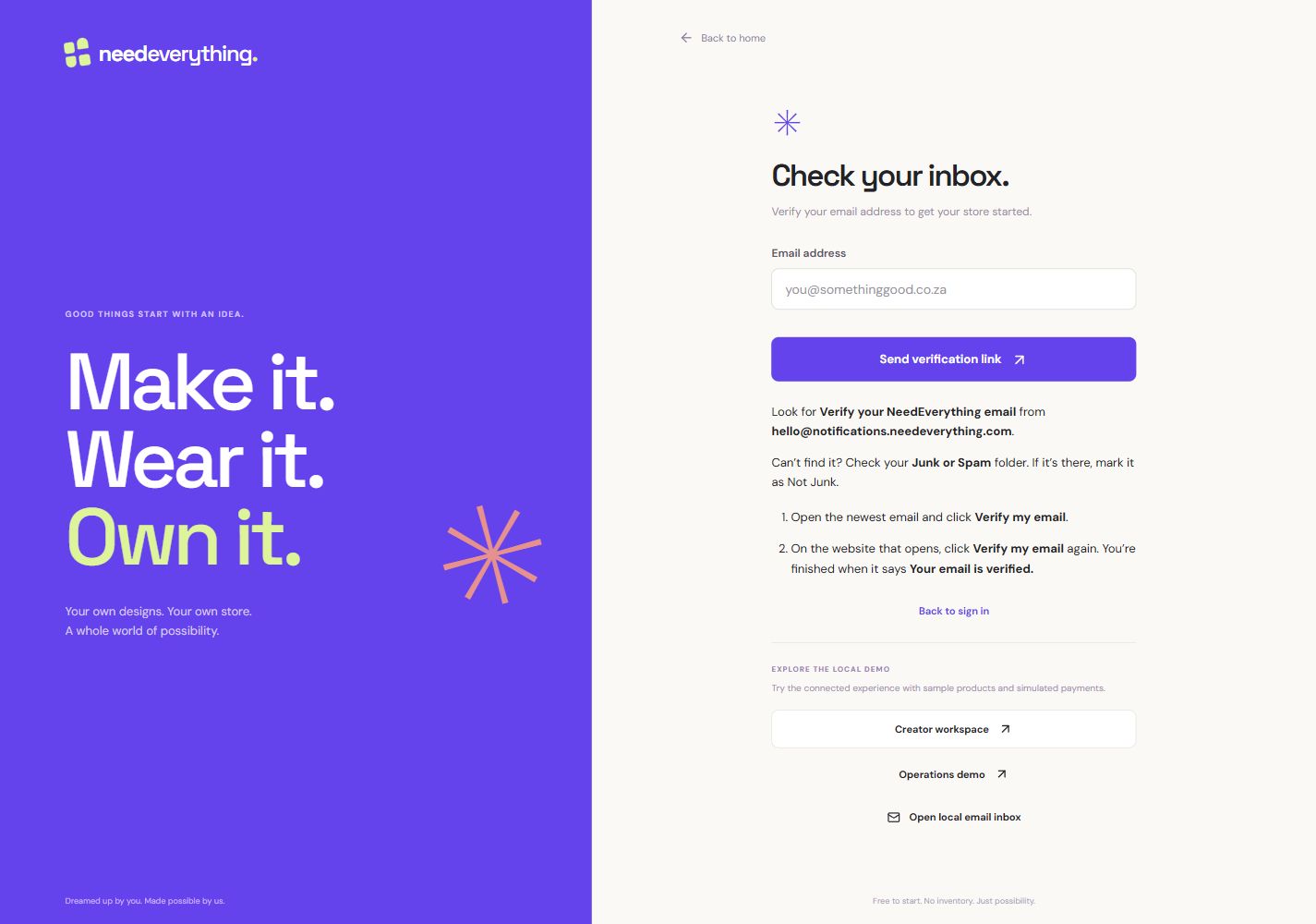
- 1Request a fresh link for your account when needed.
- 2Click Verify my email in the email, then on the website. Check Junk or Spam too.
What you should seeThe verification webpage opens; complete its confirmation if requested.
3
Look for the verified confirmation before continuing to sign in. Reaching a sign-in page by itself is not proof that verification finished.
What you should seeA clear verified message confirms that this step finished.
Go further 2 optional topics
You have the core task. Explore these extra tools whenever you need them.
↗
Choose Start creating, then sign up with your own email and a strong password. Use an inbox you can open.
What you should seeYou reach the email-verification instructions.
↗
If nothing arrives, check the spelling of your address and use Resend when it is available. An expired or already-used link needs a fresh email; use the newest message.
What you should seeA new email can replace an expired link; use only the newest message.
Words made simple
- verified
- Confirmed by the relevant account or document check.
YOUR TURN · OPTIONAL
Give it a try.
Locate the verification instructions. Already verified? You are done.
Open verification instructions Opens separately. Paid and destructive actions are never required to complete a lesson.Your verification link has expired. What comes next?
Optional. No grades, no locked lessons.Ready to mark this one complete?
You choose when you have learned enough. No quiz score or business action is required.
Loading progress…
Sign in to save progress across devices